Most homeowners researching home security in Sherman Oaks have a handful of the same questions running through their heads before they ever pick up the phone. Addressing those questions upfront tends to be far more useful than a generic sales pitch, since the actual concerns are usually specific and genuinely worth answering directly.
"Is This Actually Going to Fit My Budget?"
Cost is almost always the first concern, and it's a reasonable one given how widely security packages can vary in price. A home security system in Sherman Oaks doesn't need to be the most expensive option on the market to be effective; it needs to match the specific risks and layout of that particular property, which is exactly what a proper evaluation is meant to determine before any pricing conversation happens.
"Will It Actually Work With My Current Setup?"
Homeowners who already have some equipment installed, an old alarm panel or a handful of cameras, often assume upgrading their home security system in Sherman Oaks means replacing everything. In many cases, existing equipment can be evaluated and integrated with newer components rather than torn out entirely, which keeps both cost and disruption considerably lower than a full replacement would.
"How Long Does Installation Actually Take?"
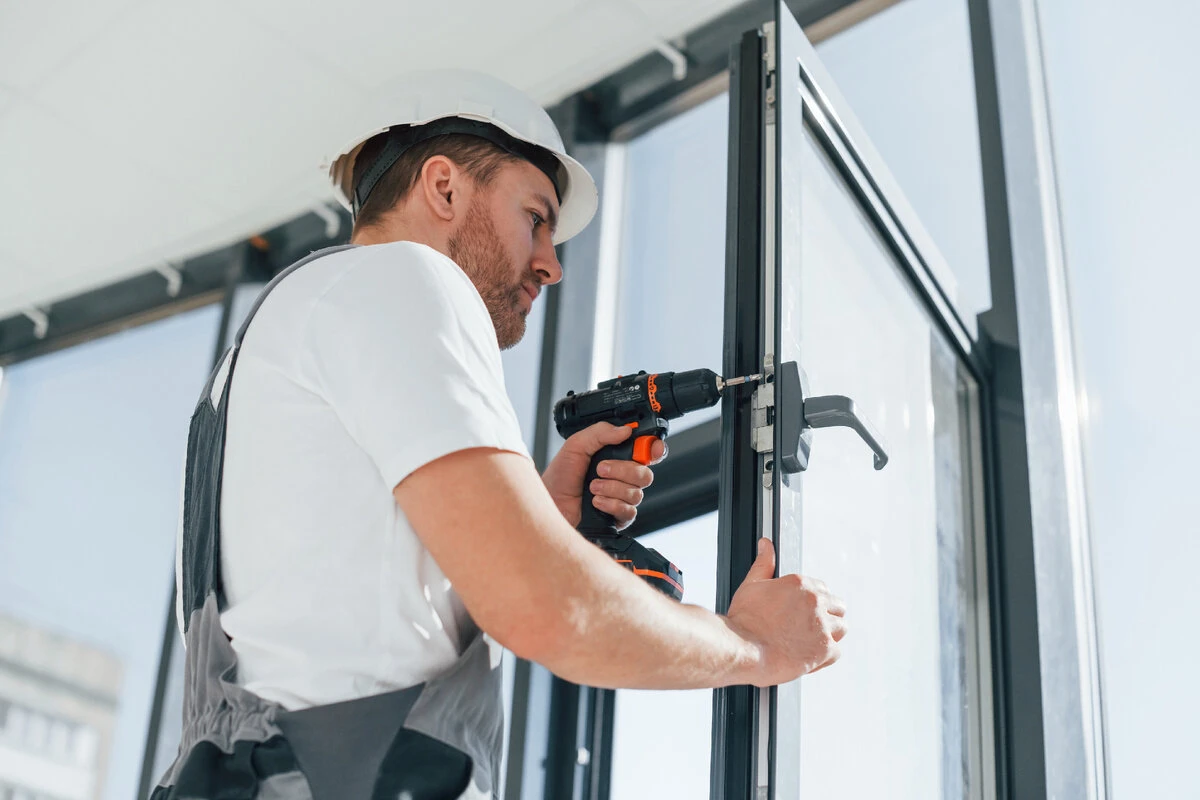
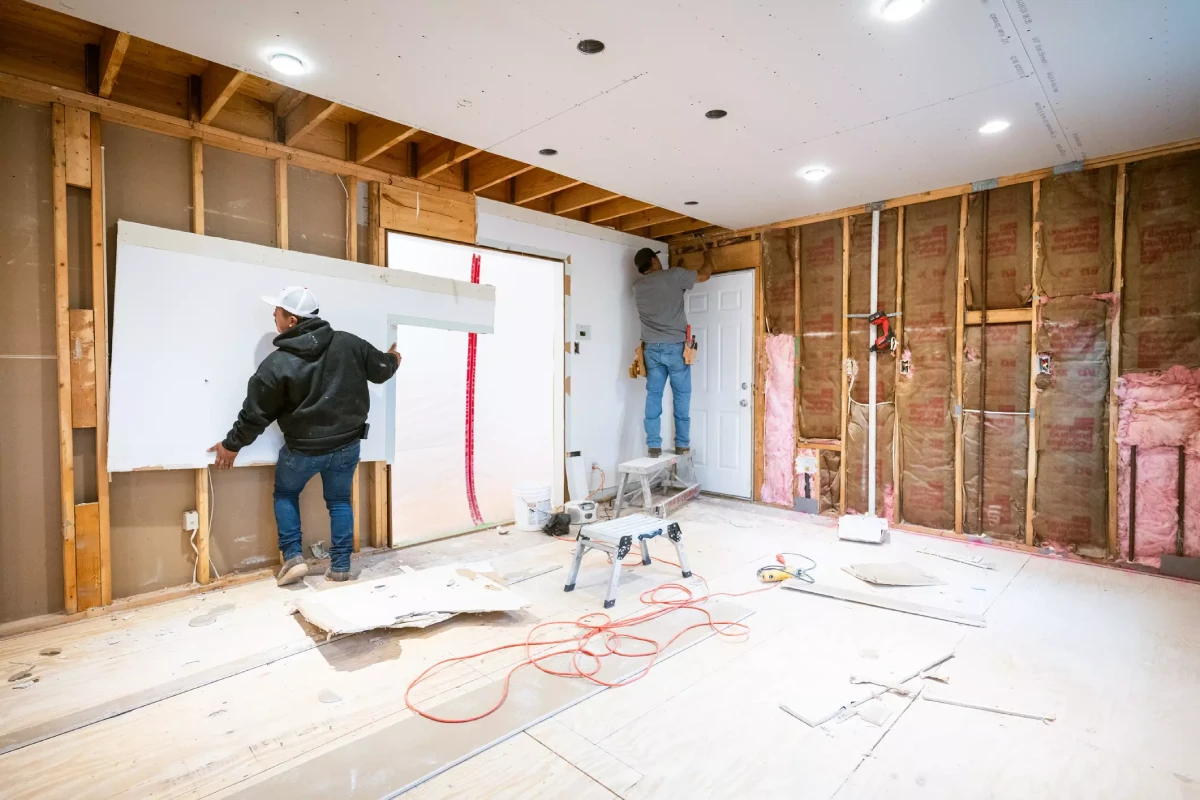
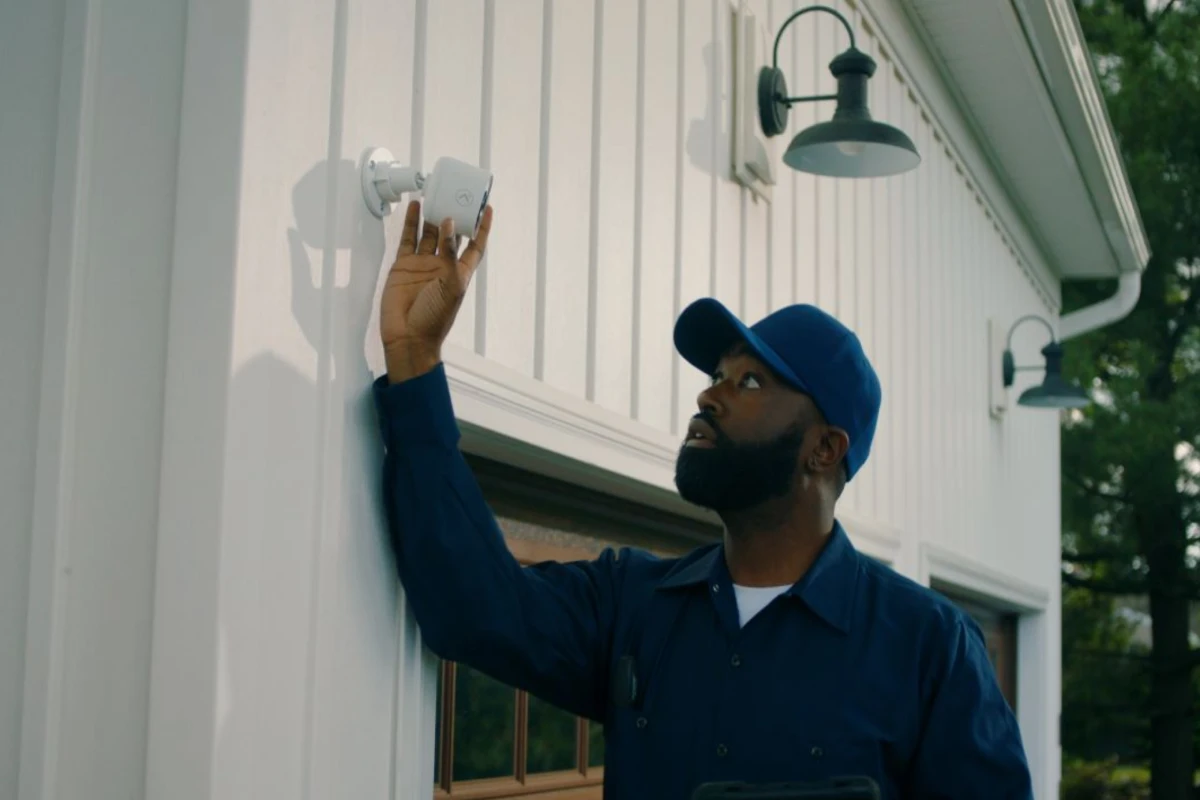
Installation timelines depend heavily on the scope of the project, but most residential setups are completed within a single day for standard packages. Larger installations involving safe rooms, perimeter gates, or extensive camera coverage understandably take longer, and a proper evaluation should give a realistic timeline before any work begins.
"Will This Make My House Look Like a Fortress?"
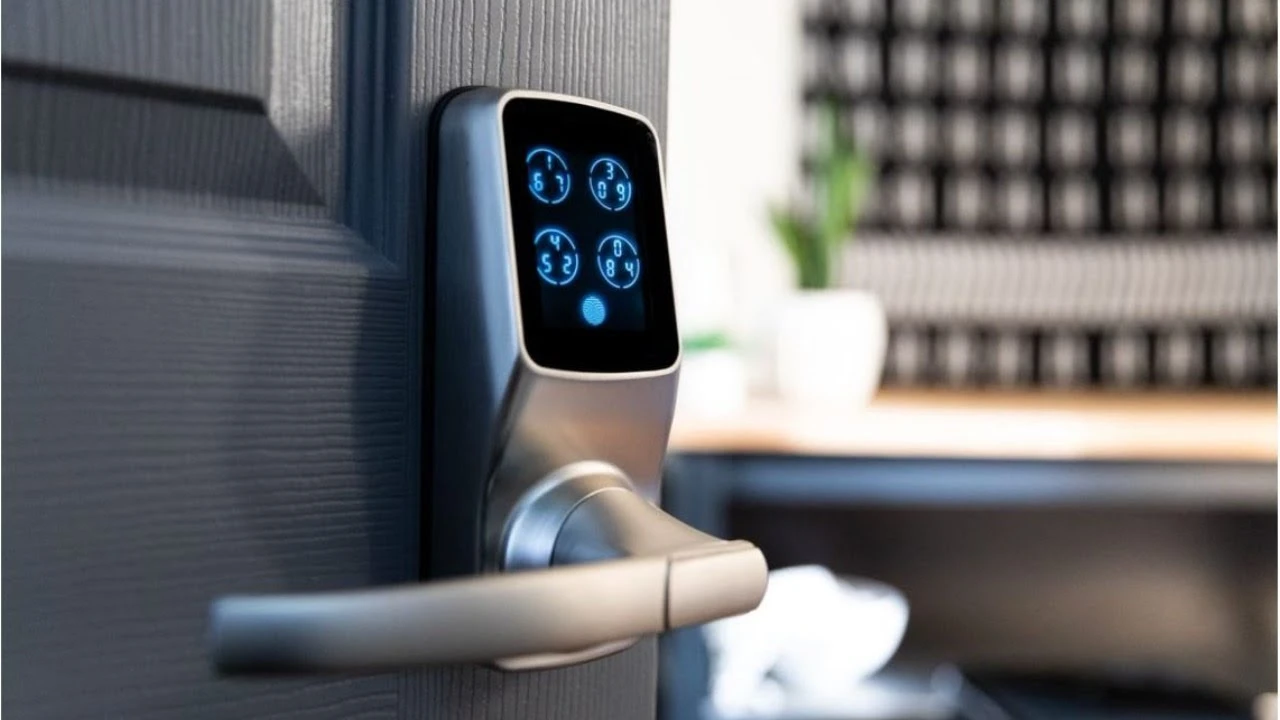
This concern comes up more than homeowners might expect, and it's a fair one. Home security in Sherman Oaks doesn't have to mean visible bars or obvious hardware mounted across the front of the house. Discreet camera housings, low-profile sensors, and gate hardware that matches existing architecture all allow real protection without changing how a property presents to the street.
"What Happens After the Installation Is Finished?"
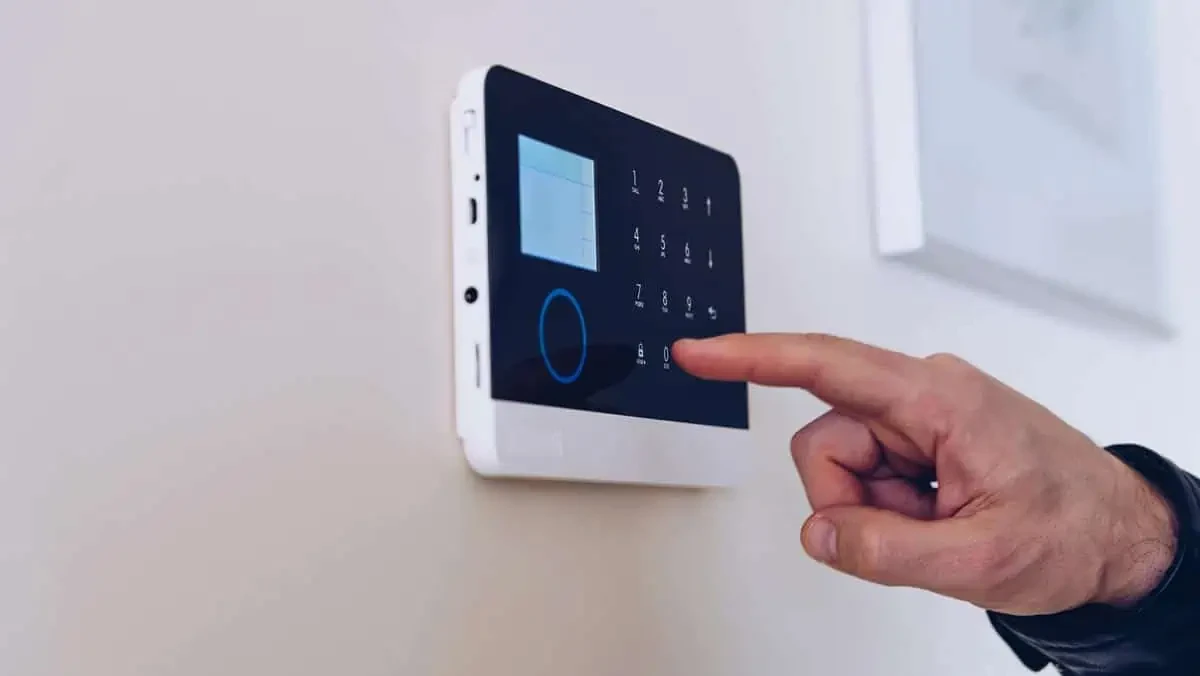
Ongoing support matters just as much as the initial installation, since equipment occasionally needs adjustment, firmware updates, or troubleshooting well after the first day. A home security system backed by responsive, ongoing support tends to hold its value considerably longer than one installed and then effectively abandoned once the invoice is paid.
Answering the Questions Before They're Even Asked
Most homeowners considering home security in Sherman Oaks want honest answers before they commit to anything, not a sales pitch designed to rush a decision. SecureIt Homes walks through budget, existing equipment, realistic timelines, and ongoing support directly during every free evaluation. Guy Cohen's team has spent over twenty years answering exactly these questions for homeowners across the area. Reach out and get real answers before you ever have to ask.
FAQs
Q: How much does a home security system typically cost in Sherman Oaks?
A: Cost varies widely depending on property size and the specific equipment involved, which is why a free evaluation is usually the best way to get an accurate number. Systems don't need to be the most expensive option to be genuinely effective.
Q: Can existing security equipment be integrated with a new system?
A: In many cases, yes, existing panels or cameras can be evaluated and incorporated rather than replaced entirely. This depends on the age and compatibility of the current equipment.
Q: How long does a typical installation take?
A: Most standard residential installations are completed within a single day. Larger projects involving safe rooms or extensive camera coverage generally take longer.
Q: Will visible security equipment make my house look overly fortified?
A: Not necessarily, since discreet camera housings and low-profile sensors can blend into a property's existing architecture. Full protection doesn't require an obviously fortified appearance.
Q: What kind of support is available after installation is complete?
A: Ongoing support typically includes troubleshooting, firmware updates, and equipment adjustments as needed after the initial install. This kind of continued support matters for how well a system holds up over time.